
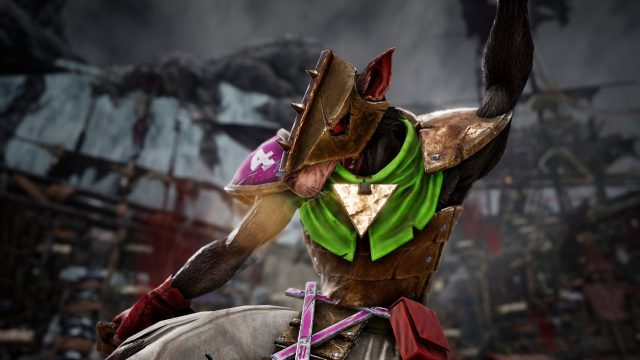
As the excitement builds around the acquisition of the video game rights for Blood Bowl by Slitherine, fans of strategic sports gaming are eager to dive into this iconic universe. Whether you're a long-time fan or a newcomer, this guide will walk you through everything you need to know about downloading and installing Blood Bowl, ensuring you can jump right into the action.
Blood Bowl combines the worlds of American football and fantasy tabletop gaming in a unique way. Players control teams comprised of various fantasy races, each with its own strengths, weaknesses, and special abilities. Matches can be intense and unpredictable, requiring strategic maneuvering and quick thinking. With Slitherine's involvement, there is a renewed hope for future updates and expansions that could enhance gameplay even further.
Blood Bowl is set to be available on several platforms, ensuring that players can enjoy the game no matter their preferred gaming environment. Currently, you can find the game on:
Make sure to keep an eye out for updates, as more platforms may be announced in the future.
Before downloading Blood Bowl, it’s crucial to ensure your system meets the necessary requirements for optimal performance. Here are the typical specifications you should consider:
Ensuring your device meets these specifications will give you a smoother gaming experience.
Ready to start your Blood Bowl journey? Here’s how to download the game on your preferred platform:
If you are playing on a console like PlayStation or Xbox, follow these steps:
With a rich blend of strategy and fantasy, Blood Bowl is set to attract both veterans of the franchise and newcomers alike. The acquisition by Slitherine signals a bright future for the series, promising fresh updates and potential expansions. By following the simple steps outlined above, you can easily download and install Blood Bowl on your preferred platform. Explore the chaos, hone your strategy, and may the best team win!


























